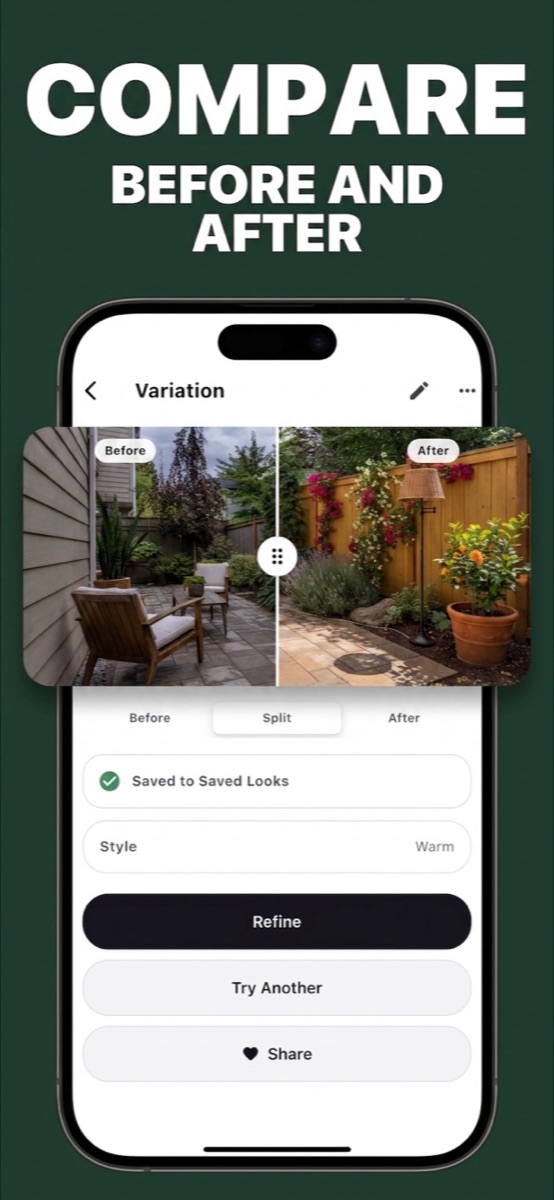
Compare before & after
Drag the split slider across your room to see exactly what changed. Toggle Before, Split, or After in one tap.
Snap a photo of your space, tell Nestique what you want — “make my kitchen cozy and warm” — and watch it become real. Compare before and after, save every look you love, and even get your room roasted.
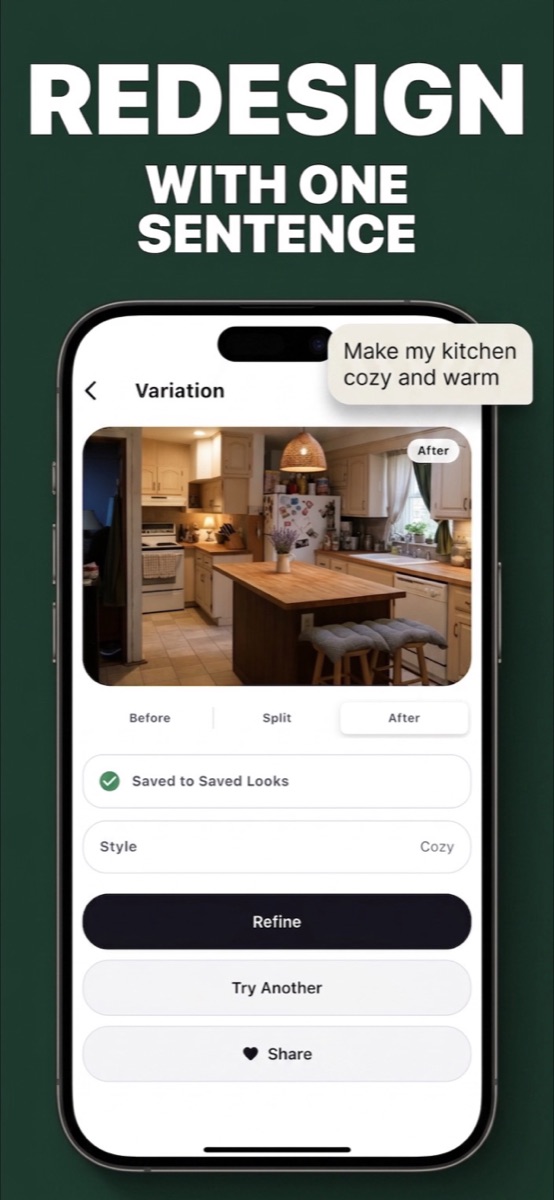
No mood boards, no 3D modeling, no measuring tape. Just your photo and plain language.
Type what you want the way you'd say it to a friend. “Make this brighter and more minimal.” “Keep the sofa, replace the rug.” Nestique generates a realistic variation of your actual room — then lets you refine it, try another, or share it.
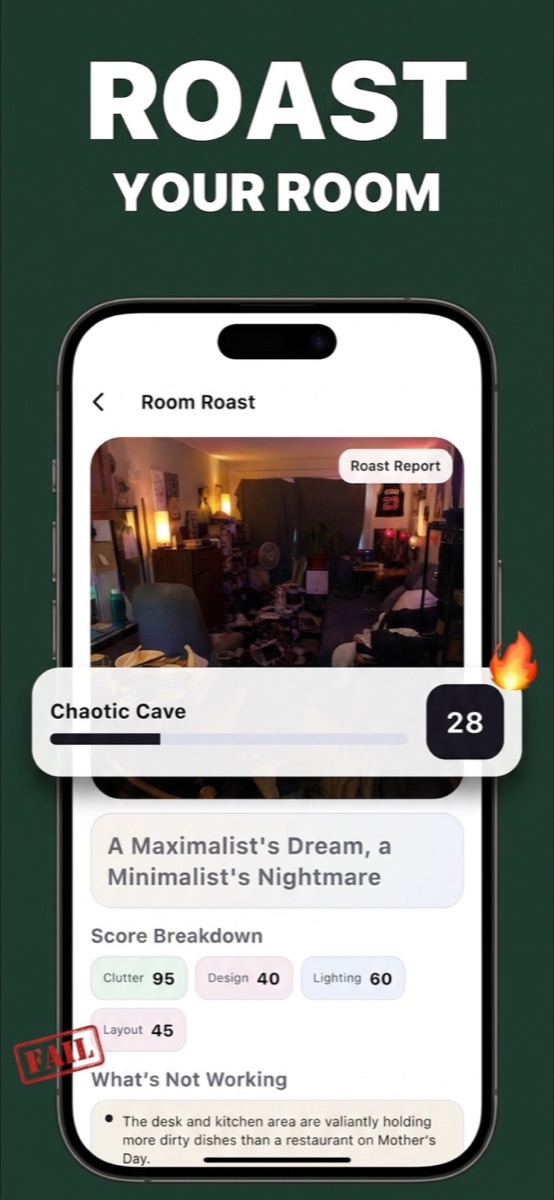
Brave enough? Room Roast scores your space on clutter, design, lighting, and layout — and delivers verdicts like “A Maximalist's Dream, a Minimalist's Nightmare.” Then it tells you exactly what's not working, so you know what to fix first.
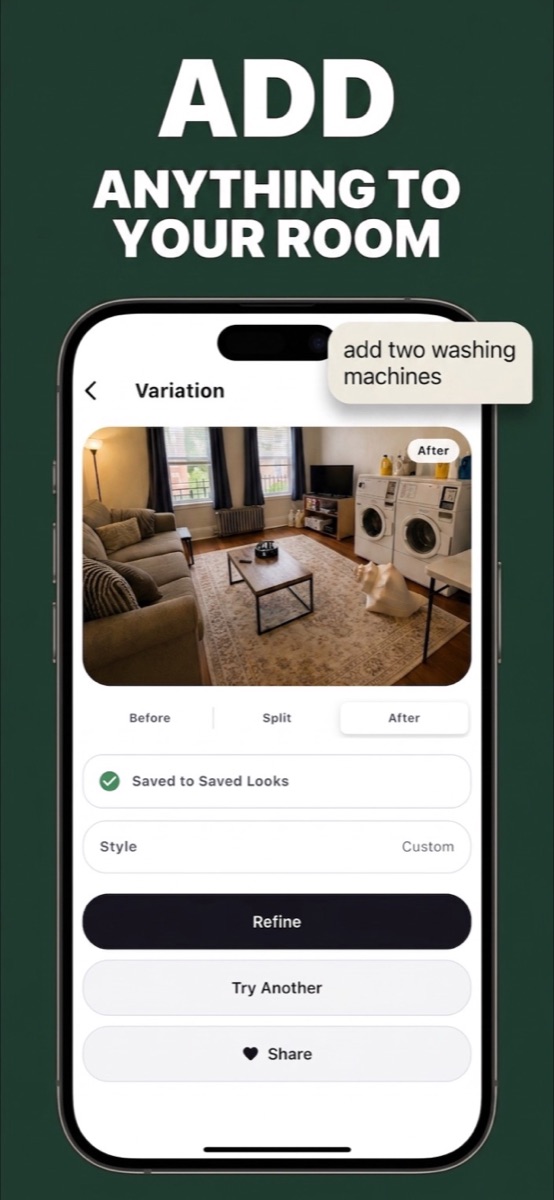
Wondering if two washing machines fit in the living room? A reading nook by the window? A gallery wall? Just ask. Nestique drops it into your real photo so you can see it before you buy it, move it, or build it.
Drag the split slider across your room to see exactly what changed. Toggle Before, Split, or After in one tap.
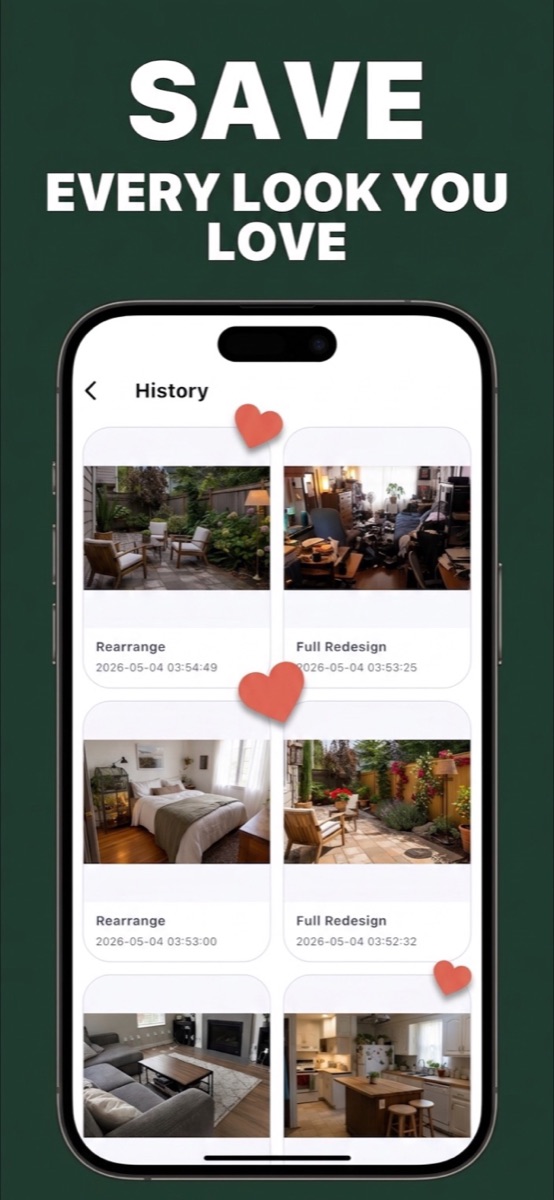
Full redesigns, rearrangements, single-item swaps — your whole history lives in Saved Looks, ready to revisit anytime.
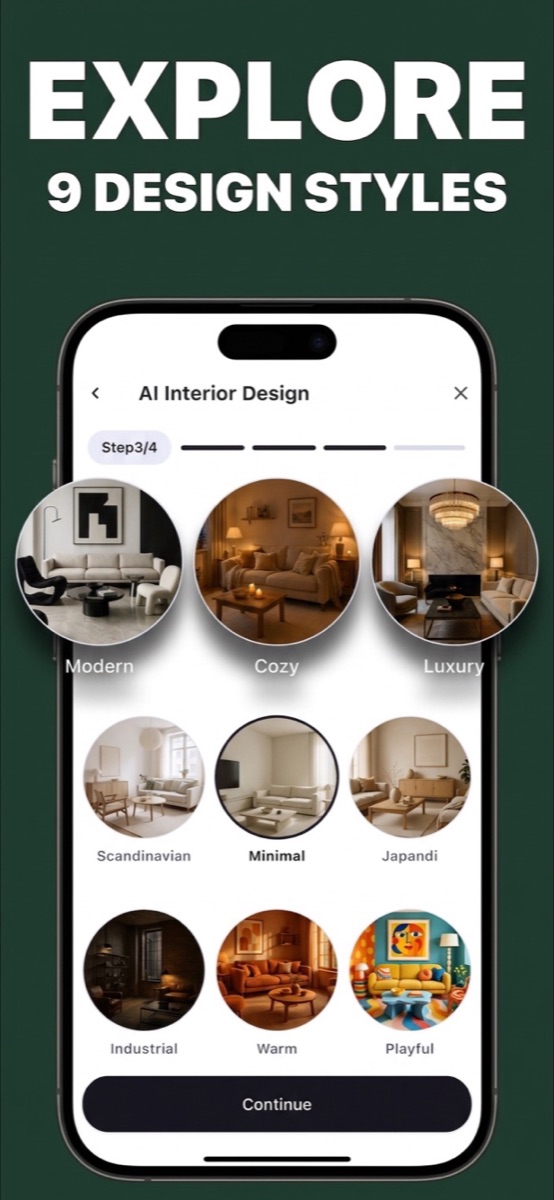
Not sure what you want? Browse curated styles and preview your room in each one before committing.
…or type your own. The Style field accepts anything you can describe.
Take a photo or pick one from your library. Any room, any light.
One sentence is enough — or pick a style and let Nestique lead.
Get a realistic redesign of your actual space. Refine or try another.
Slide between before and after, save the look, and share it.
Visualize renovations before spending a cent on paint, furniture, or contractors.
Test layouts and decor that work with what you already own — no holes in the wall.
Pitch concepts to clients in minutes with photorealistic variations of their real rooms.
Download Nestique and see your space the way it could be.
Download on theApp StoreAI results may vary by photo quality and lighting. Verify dimensions before purchases or construction decisions.